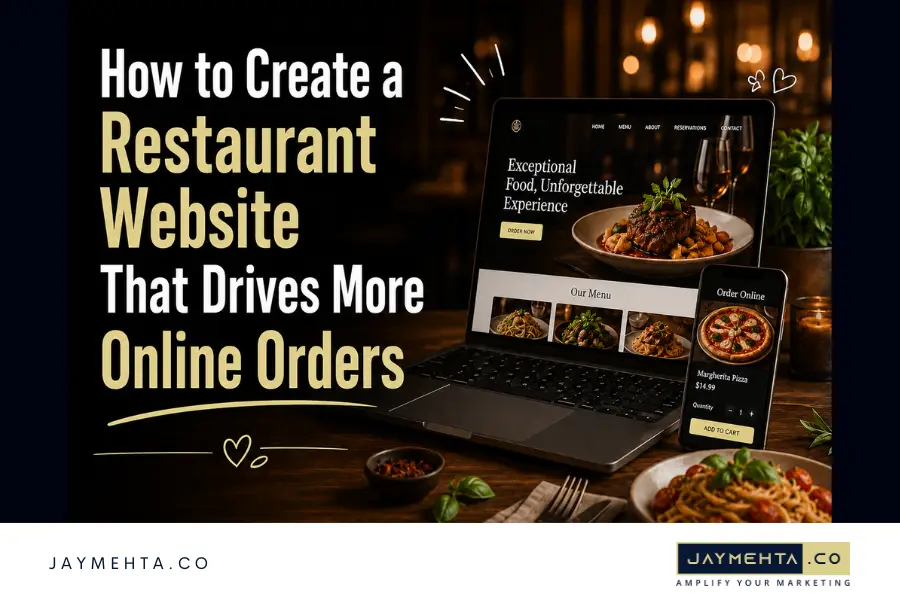
If you want to understand How to Create a Restaurant Website, start with one important truth: a restaurant website should not just look attractive. It should help hungry customers view the menu, trust the brand, find the location, place an order, make a reservation, and come back again.
Many restaurant owners treat their website like an online brochure. They add a homepage, upload a PDF menu, place a phone number in the footer, and hope customers figure out the rest. That approach leaves money on the table. A modern restaurant website needs to be built around sales, good website design, search visibility, mobile users, online ordering, and repeat customer engagement.
Restaurant website guide highlights key website elements such as a strong SEO foundation, an easy-to-read menu, online ordering, restaurant details, loyalty features, Google Business Profile promotion, and social sharing. These are all important because customers are already searching, comparing, and ordering online before they decide where to eat.
Also Check: Website Design & Development
Why How to Create a Restaurant Website Matters for Online Orders
How to Create a Restaurant Website is not just a design question. It is a revenue question. Your website is often the first place a customer visits after seeing your restaurant on Google, Instagram, Yelp, Facebook, or Maps. If that website is slow, outdated, confusing, or hard to order from, the customer may choose another restaurant within seconds.
A strong restaurant website should support four goals:
- Help customers find your restaurant online
- Make the menu easy to read on mobile
- Make ordering or booking simple
- Build trust before the customer visits
Jay Mehta’s website design and development service page mentions restaurant websites as part of its website solutions, along with mobile-first development, e-commerce, brochure websites, portfolio websites, and other business website types.
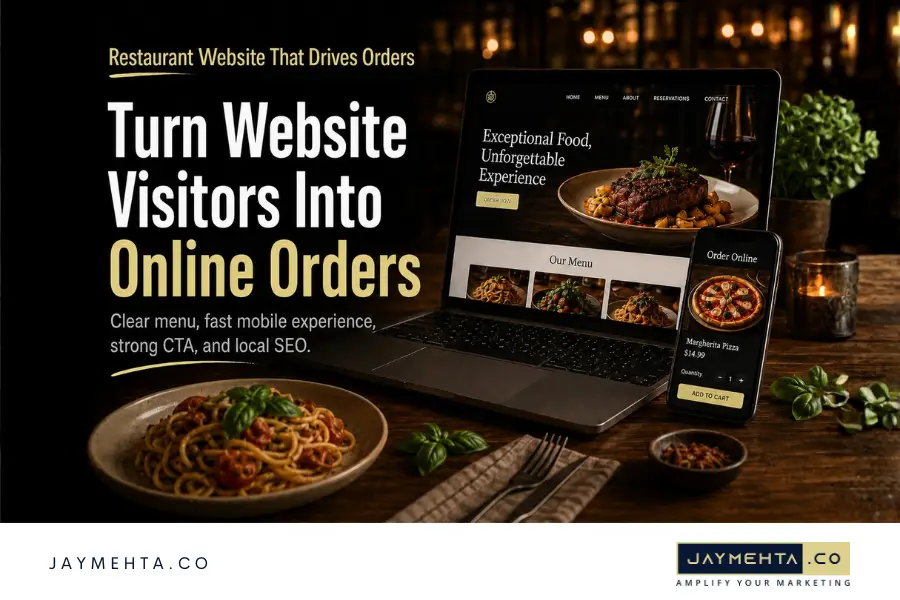
Start With a Mobile-First Website Design
Most restaurant searches happen when people are on the go. They may be in the car, at work, walking nearby, or planning dinner from their phone. That means your website must look perfect on mobile.
A mobile-first restaurant website should have:
- A clear “Order Online” button
- A clickable phone number
- A visible address with directions
- Simple menu navigation
- Fast-loading images
- Easy reservation or inquiry forms
- Sticky CTA buttons on mobile
If a customer has to zoom, pinch, scroll sideways, or search too long for the menu, the design is working against your business.
A good restaurant website should make the next step obvious. The customer should never wonder, “Where is the menu?” or “How do I order?”
Build an Easy-to-Read Online Menu
One of the biggest mistakes restaurants make is uploading only a PDF menu. A PDF may look fine on desktop, but it is often difficult to read on mobile. Owner.com also recommends using an HTML menu instead of relying only on a PDF because a coded menu is better for mobile usability, accessibility, translation tools, and search visibility.
If you are learning How to Create a Restaurant Website, your menu should be one of the most important parts of the project.
A strong online menu should include:
- Food categories
- Item names
- Short descriptions
- Prices
- Dietary labels where needed
- Popular item highlights
- High-quality food images
- Online order buttons
- Easy mobile scrolling
Your website should include:
- Online ordering integration system
- Pickup and delivery options
- Secure checkout
- Real-time order tracking
- Multiple payment methods
Popular integrations include:
Direct ordering through your own website can also reduce dependency on third-party delivery apps and lower commission costs.
Add Online Ordering and Clear CTAs
A restaurant website should not only show food. It should help people buy food. If online ordering is part of your business model, make it visible across the website.
Your website should include clear CTAs such as:
- Order Online
- View Menu
- Book a Table
- Call Now
- Get Directions
- Plan Catering
- Join Rewards
The CTA should appear in important areas like the header, hero section, menu section, footer, and mobile sticky bar. Do not make customers hunt for the order button.
If you are planning How to Create a Restaurant Website, the CTA flow should be mapped before the design begins. A beautiful page without a clear conversion path will not perform as well as a simple page that makes ordering easy.
Tell the Restaurant Story on an About Page
Customers do not choose restaurants only because of food. They also connect with story, atmosphere, people, and values. An About page gives your restaurant a chance to explain who you are and why your food matters.
Owner.com recommends an About page because it helps restaurants tell their story, including why they serve their style of food, why they are located in their city, what dishes matter most, and what values guide the business.
A strong restaurant About page can include:
- Founder story
- Cuisine inspiration
- Local community connection
- Chef or team introduction
- Brand values
- Signature dishes
- Restaurant atmosphere
- Behind-the-scenes images
This is especially useful for local SEO and brand trust. A real story makes the restaurant feel more human, memorable, and different from competitors.
Also Check: Content Marketing Services

Use Local SEO to Bring in Nearby Customers
A restaurant website must be built for local search. When someone searches “Italian restaurant near me,” “best brunch in Northport,” or “pizza delivery in Austin,” your website and Google Business Profile need to work together.
Jay Mehta’s SEO services page explains that SEO includes on-page optimization, technical SEO, keyword research, content optimization, local SEO, Google Business Profile optimization, local citations, local content, and local schema markup. Learn more from Google Search Central.
For restaurants, local SEO should include:
- City and neighborhood keywords
- Optimized title tags and meta descriptions
- Menu keyword optimization
- Google Business Profile optimization
- Location page content
- Local schema markup
- Review integration
- Internal links
- Fast page speed
- Mobile-friendly design
This is a key part of How to Create a Restaurant Website because design alone cannot bring customers if the website does not appear in search.
Also Check: SEO Services
Add Trust Signals That Help Customers Decide
Before people order or visit, they want reassurance. Your website should answer the trust questions customers already have.
Add trust signals such as:
- Google reviews
- Customer testimonials
- Food safety or quality highlights
- Press mentions
- Awards
- Gallery images
- Real food photography
- Catering or private event proof
- Social media links
- Delivery and pickup details
For restaurants, trust is visual. Customers want to see the food, space, staff, and experience. Stock photos should be avoided where possible. Real photos make the website feel more believable.
Explore: Content Creation Services

Keep the Website Fast, Updated, and Easy to Manage
A restaurant website needs regular updates. Hours change. Menu prices change. Events change. Promotions change. Catering offers change. If the website is hard to update, it will quickly become outdated.
Your website should be built on a platform that allows easy management of:
- Menu items
- Pricing
- Hours
- Events
- Specials
- Online ordering links
- Gallery images
- SEO metadata
- Blog posts
- Contact forms
This is why How to Create a Restaurant Website should include both design planning and backend planning. The website should not only look good on launch day. It should be easy for the restaurant team or marketing partner to maintain long term.
Also Check: Content Optimization & Strategy
Conclusion
A restaurant website should do more than show your logo, menu, and address. It should work like a sales system. It should attract local search traffic, make the menu easy to browse, support online ordering, tell the restaurant story, build trust, and guide customers toward action.
The best answer to How to Create a Restaurant Website is simple: build it around customer behavior. People want speed, clarity, photos, reviews, directions, and ordering options. If your website gives them all of that in a clean mobile-first experience, it can become one of your strongest tools for online orders.
For restaurant owners, the opportunity is clear. Book a strategy session with Jay for a well-designed website that can reduce dependency on third-party platforms, improve local visibility, strengthen customer trust, and turn more visitors into repeat buyers.